Is a Stream Deck Worth It? Complete Guide to Alternatives.
Posted: September 16, 2025 | Last Updated: December 23, 2025
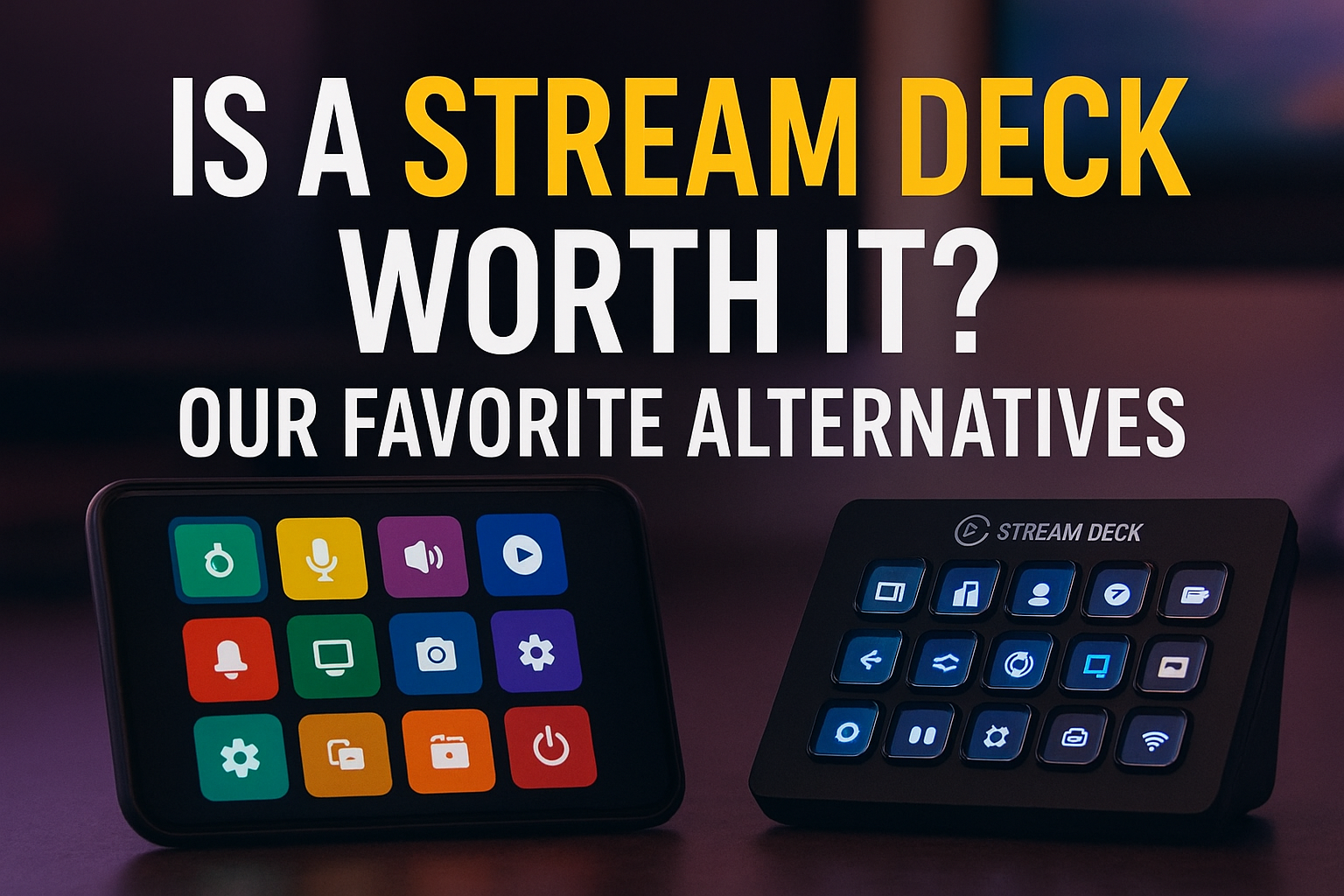
If you hang around Twitch or YouTube long enough, you'll notice a lot of streamers showing off their Stream Deck. They tap a button and instantly change scenes, drop a sound effect, or trigger some flashy overlay. It looks super clean and honestly really fun to use.
The Reality Check
Here's the thing though. I don't actually own a Stream Deck. I've thought about getting one, but I've also done a ton of digging into whether it's worth the price. The Elgato Stream Deck+ currently costs around $199-300, and for some streamers it definitely is worth it. Having all your controls on one little box saves time and keeps things smooth when you're live. But when you're just starting out, that price tag can hit hard. I know for me, I'd rather put that money into a better mic or camera first.
The good news is there are plenty of alternatives that give you the same kind of control without spending a couple hundred bucks. I've tried a few of these myself and they work surprisingly well.
Best Stream Deck Alternatives
Touch Portal
Price: Free (with paid premium features)
Download: Touch Portal Official Site | iOS App Store | Android Play Store
Touch Portal is a free app that works on both Android and iOS, and it basically turns your phone or tablet screen into your own mini Stream Deck. You can make custom buttons for switching scenes, muting your mic, or even running more advanced commands. There's a free version that's good enough for most people, and if you want the extra features the paid version is still way cheaper than the real thing.
What makes it great:
- Fully customizable button layouts
- Works with OBS, Streamlabs, and most streaming software
- Easy setup process with onboarding
- Active community with plugins and templates
Macro Deck
Price: Free and open-source
Download: GitHub - SuchByte/Macro-Deck
Macro Deck is another solid option that works almost the same way as Touch Portal. It's really customizable and has a bunch of community plugins you can use. If you like to tweak your setup and make it feel really personal, you'll probably enjoy messing around with this one.
Streamlabs Mobile App
Price: Free (with Streamlabs Prime subscription for premium features)
Download: Streamlabs Mobile
If you're using Streamlabs OBS, you can download their mobile app and use it as a controller. It covers the basics like scene switching and sending alerts. Some of the fancier stuff is locked behind their Prime subscription, but it's a nice little add-on if you're already running Streamlabs anyway.
Elgato Stream Deck Mobile
Price: Subscription-based
Download: iOS App Store | Android Play Store
Funny enough, Elgato has its own alternative to the physical Stream Deck. It's an app called Stream Deck Mobile that works on your phone. You get the same look and feel as the hardware version, but instead of paying up front, it's a subscription. It's a good way to try out the ecosystem without dropping the cash right away.
DIY Keyboards or Numpads + AutoHotkey
Price: $10-30 for a numpad + Free software
AutoHotkey Download: https://www.autohotkey.com/
This one is a little more DIY, but it works. Some streamers use old numpads or small keyboards as a budget control deck. AutoHotkey is a free keyboard macro program that supports hotkeys for keyboard, mouse, and joystick. You can set up hotkeys for OBS and map them to the keys. It doesn't look as flashy, but it's cheap and reliable.
Premium Hardware Alternatives
If you want something closer to the Stream Deck experience but with different features:
Loupedeck Live
Price: ~$200-250
Website: Loupedeck Official
The Loupedeck Live provides all the features the Elgato Stream Deck offers and more, with analog dials that make precise volume and lighting control easy. It combines physical buttons with touchscreen controls and has native integrations with popular streaming software.
Razer Stream Controller X
Price: ~$150-200
Website: Razer Official
Razer's Stream Controller X is often discounted and considered a worthy alternative to the Elgato Stream Deck. It offers similar functionality at a potentially lower price point.
X-keys Controllers
Price: $50-150 depending on model
Website: X-keys Official
X-keys XK-24 is a USB keyboard with 24 customizable keys that you can apply different shortcuts to, similar to the Stream Deck but cheaper. These are more utilitarian but highly functional for macro control.
Software Integrations and Plugins
Many of these alternatives work seamlessly with popular streaming software:
- OBS Studio - All alternatives mentioned support OBS integration
- Streamlabs OBS - Native support in most apps
- XSplit - Compatible with most macro controllers
- Discord - Voice channel controls and notifications
- Spotify/Music Control - Play, pause, skip, volume control
Advanced users combine tools like Touch Portal with AutoHotkey to create powerful custom workflows, giving you even more control than a standard Stream Deck.
So, Should You Get a Stream Deck?
Honestly, it depends. If you've got the budget and you want the easiest, most polished option, the Stream Deck is awesome. The build quality is excellent, the software is refined, and it integrates with virtually everything. But if you're like me and you're still figuring out where to put your money, I'd say try one of these free or low-cost alternatives first. They'll give you a good taste of what it's like to have a control deck, and you might realize you don't even need the real thing.
Getting Started Recommendations
Complete Beginner: Start with Touch Portal's free version on an old phone or tablet. It costs nothing and gives you the full experience.
Budget-Conscious: Try the DIY numpad + AutoHotkey approach. Total cost under $30 and it's completely customizable.
Want Premium Features: Consider the Loupedeck Live if you need physical dials, or wait for sales on the Razer Stream Controller X.
Already Using Streamlabs: The Streamlabs mobile app is the obvious choice to start with.
At the end of the day, your stream isn't about the gear sitting on your desk. It's about the content you're creating and the community you're building. A Stream Deck (or alternative) can make things smoother, but it won't make or break your stream. So start small, experiment with what works, and upgrade when it feels right.
Remember, many successful streamers started with nothing but keyboard shortcuts and built their way up. The most important thing is to start streaming and worry about the fancy control panels later.